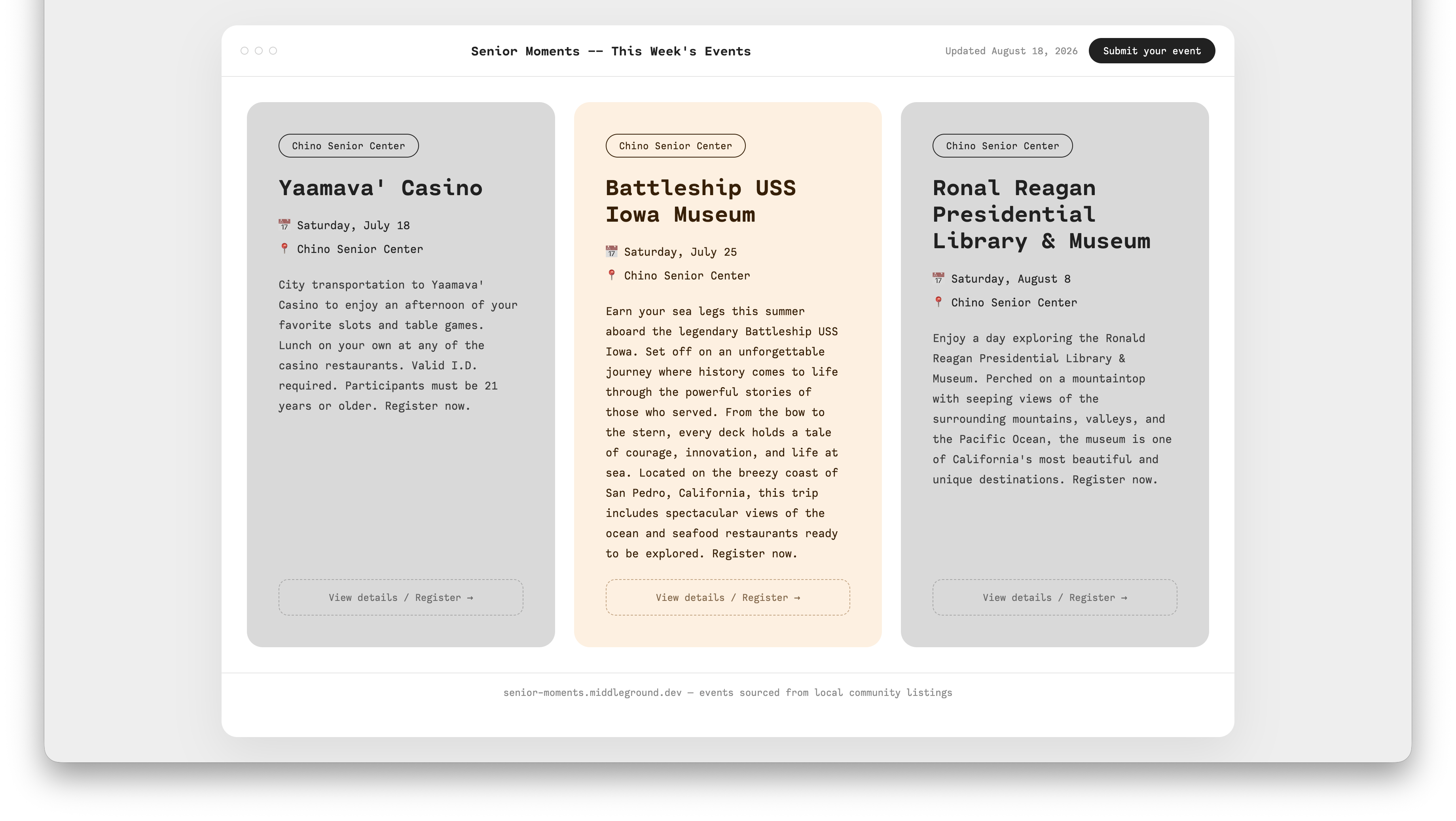
I’ve been running a small side project called senior-moments: it scrapes local senior center and library calendars, filters down to what’s actually nearby, and publishes the result as a digest on this site. I hadn’t looked closely at how it all fit together in a while, so I asked for a walkthrough of the pipeline instead of just trusting my own memory of code I wrote months ago. Worth writing down.
The pipeline
The whole thing lives in one script, generate_senior_moments.py, and runs in four steps:
- Collect — loop over a
SOURCESlist, calling each source’sscrape(config, session, timeout, delay)function. Three are enabled right now: SB County Library (Chino and Chino Hills branches, read via schema.org JSON-LD) and Chino Senior Center (a raw HTML scrape of its CivicPlus events page). - Filter —
geo.pydrops anything outside a 20-mile radius of my origin zip, using offlineuszipcodelookups rather than live geocoding calls. Events with no resolvable zip get kept instead of dropped, so I can eyeball them by hand instead of silently losing them. - Render —
markdown_output.pybuilds a deterministic markdown document, grouped by source, then by event title, with When/Where/Distance/Link bullets and a description. - Publish — writes
site/src/content/digests/YYYY-MM-DD-senior-moments.md, then does the git add/commit/push. That push is what triggers the Vercel deploy, and the styled digest cards on the site read straight from that same file.
There are three run modes: no flags does the full publish-and-push, --local writes to ./output/ only, and --dry-run just prints to stdout without touching anything.
Adding more sites
This is already the intended extension point — the README’s “Source status” table has a backlog: Ontario, Pomona, LA County, and Corona/Upland libraries, the Chino Hills 55+ Club, a handful of senior centers, all marked “not yet built.” Adding one means:
- Check the site’s calendar format first — schema.org JSON-LD Event, an ICS feed, or raw HTML, roughly in that order of reliability.
- Write
sources/<name>.pywith ascrape(config, session, timeout, delay) -> list[Event]function.sources/chino_senior_center.pyis the simplest template for a raw HTML/BeautifulSoup scrape;sources/sb_county_library.pyis the template for JSON-LD. - Add a
SourceConfig(name=..., url=..., zip_code=...)plus the scrape function as a tuple toSOURCESingenerate_senior_moments.py. - Test with
--dry-runbefore enabling it for real.
Telegram isn’t wired up — yet
I’d assumed I could just ask my Telegram bot to trigger this, the same way I do for other side projects. Turns out I never actually built that part for senior-moments.
The Telegram side runs through a Hermes container (nousresearch/hermes-agent, via ~/docker/hermes/compose.yaml), which acts as my Telegram-connected agent gateway. It already has this exact pattern working for a different project, middle-ground-newsletter:
/opt/data/skills/middle-ground-newsletter/SKILL.mdinside the container documents how to run it — using a container-side venv at/opt/data/newsletter-venv, not the host venv, which fails silently if you get that wrong.- A cron job in
/opt/data/cron/jobs.json(0 17 * * 4UTC, Thursday 10am Pacific) runs it automatically and delivers the result to my Telegram chat. - Because it’s a registered skill, I can also just ask Hermes on Telegram to run it on demand — that’s the on-demand pattern senior-moments’ own README already references as the intended design, it just isn’t hooked up.
What’s actually missing for senior-moments specifically:
- The Hermes container’s compose file only bind-mounts middle-ground-newsletter and olive-agent — not senior-moments.
- No
/opt/data/senior-moments-venvexists inside the container. - No
SKILL.mdfor it under/opt/data/skills/. - No cron job entry for it.
It’s a small, well-trodden set of steps — basically mirror the newsletter setup — but it touches a running container and its compose file, so it’s next on the list rather than something I did in the moment I noticed it was missing.